

While the login process is straightforward, not all gamblers can do that properly. And that’s why we put together this easy-to-follow guide to logging in to your Gbets account.
| Method | Description | Link |
|---|---|---|
| Website | Full access to features and strong compatibility with all desktop browsers | Gbet Website Login |
| Mobile Site | Preferred option for mobile devices, slower PCs and laptops | Gbet Mobile Site Sign-in |
Gbets Login Requirements
South African residents who log in with the platform should be aware of the following conditions:
- Full Internet connection. Unfortunately, Gbets doesn't allow offline login to the platform. Therefore, a full and stable internet connection is required.
- Located in South Africa. You must be residing in South Africa to sign in to the account. The Mpumalanga Economic Regulator licence under which the site operates restricts it to offering its services in the country only.
- Working phone number. You need to provide a valid phone number during login. That’s not all, as you must be the rightful owner of the number. Using another person’s number is deemed fraudulent.
Note that you automatically agree to these terms upon signing up. Therefore, make sure you read the full T&C on the site.
How to Sign In to Gbets Website
The Gbets site is intuitive, making it very easy for both experienced players and beginners to sign up. For a quick and smooth registration, ensure your browser is updated to the latest version.
The good thing is that the platform supports different devices. So, you can log in using a smartphone, tablet, or PC.
Here’s a general step-by-step guide to registering in the desktop or web version of the platform:
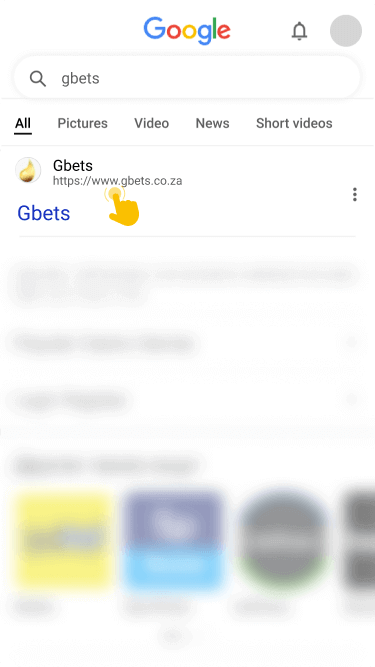
Start by opening the official site of Gbets. Remember to use our link when accessing the site.
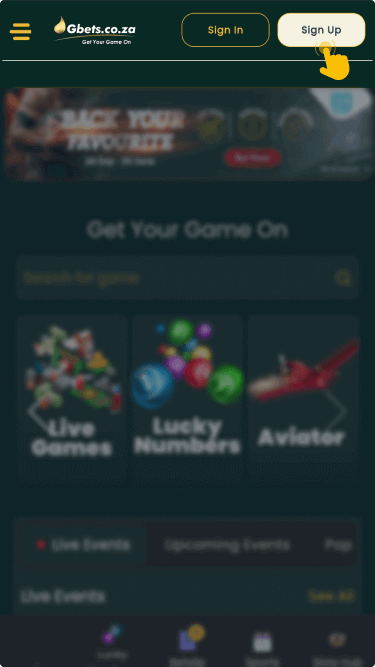
Move to the upper right part of the home page and click on the Sign In button.
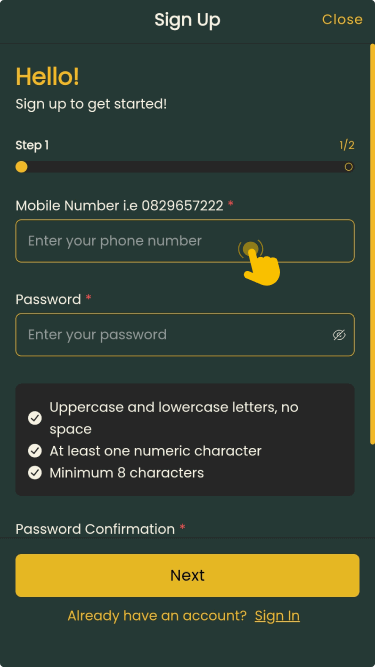
Enter all required details in the registration form that’ll appear on your screen, including username/email and password.
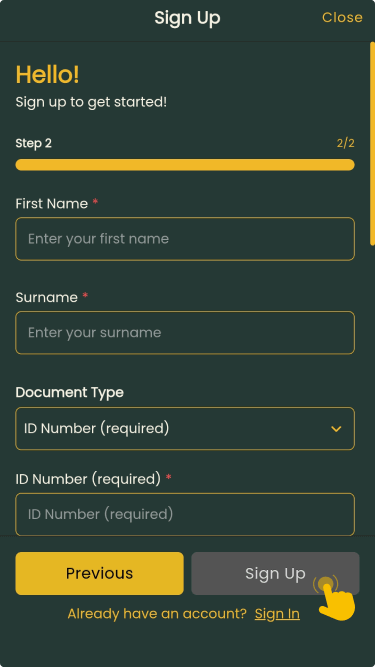
Double-check your details and submit them. Next, fund your account and start betting.
While there’s no dedicated app, you can access Gbets via a mobile browser. The process is literally the same as logging in through the desktop version.

