

In this guide, we’ll walk you through the quick and easy login methods, the requirements you need, and even the bonuses you can claim once you sign in.
| Method | Description | Link |
|---|---|---|
| Mobile app | The Betways app is compatible with Android, Huawei and iOS devices, both newer and older models | Download Betway App |
| Website | Basic option for desktop browsers and devices | Betway Website Login |
| Mobile version | Seamless access with mobile devices without downloading anything | Betway Desktop App Login |
Betway Login Requirements
These important rules help keep betting secure and responsible for everyone. Study them before you log in with the platform:
- Local residence. You must have a valid and verifiable South African address to sign in and enjoy the full range of local payment methods and promotions.
- Updated device. To ensure full compatibility with the platform, we recommend updating your desktop or mobile device to the latest OS version.
- Verified phone number. A working South African mobile number listed under your name is required for login and receiving secure login codes.
Betway also conducts FICA verification (Financial Intelligence Centre Act), which means you’ll need to provide proof of identity and address later. To avoid problems, read the complete T&C on their website before registering.
How to Sign In to the Betway Website
If you have a steady mobile internet or Wi-Fi connection, you shouldn’t have any problems at all while signing in with Betway online. The process will take just a couple of minutes, and doesn’t require special skills. It can be done using a smartphone, tablet, laptop, or desktop computer. Whichever you choose, Betway ensures a smooth experience throughout the entire login:
- Step 1. Go to the official site. Click the link that we have provided using your browser of choice.
- Step 2. Click the Login button. You’ll find it at the top right part of the homepage.
- Step 3. Enter your details. Provide your password and phone number that you've registered with.
- Step 4. Make your first deposit. Go to the cashier and choose one of the payment methods to deposit and receive a welcome bonus.
Mobile App Login
Betway has a dedicated mobile app for Android, Huawei and iOS users, which allows players to bet on the go, whether using a phone or tablet. The app can also be used to log in to the platform. But before you do this, you will have to download the app first.
| Parameter | Technical requirements |
|---|---|
| Compatible operating systems | Android 6.0, Harmony 6.0 or higher and iOS 13.1 or later |
| System memory | 1GB RAM recommended or more |
| Free device storage | 150 MB required |
| Network connectivity | Stable connection required, at least 3G |
You can download the app using the links on the official Betway website, where you’ll also find installation guides for both platforms. In the case of Apple and Huawei users, you’ll be redirected to the stores to complete the download. To make it even clearer, we’ve listed the steps in a simple guide:
Open the official link that we have posted using your mobile device.
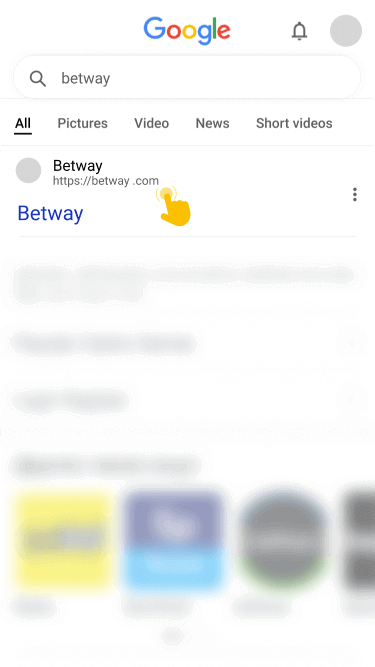
Tap the Android, Huawei or iOS button in the footer to download the correct version for your mobile device.

Follow the on-screen instructions. For Android, allow installations from unknown sources first.
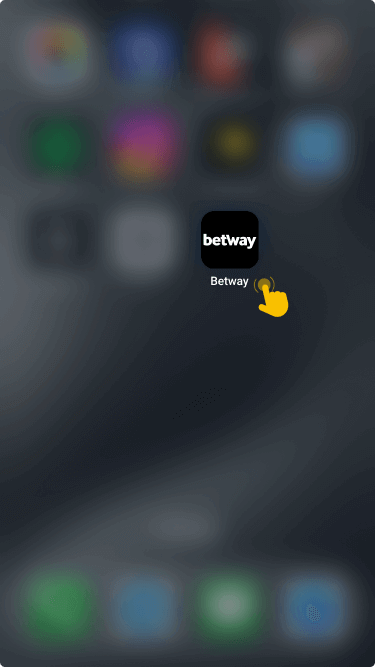
Launch the app, select the Login button and fill in your details accurately.
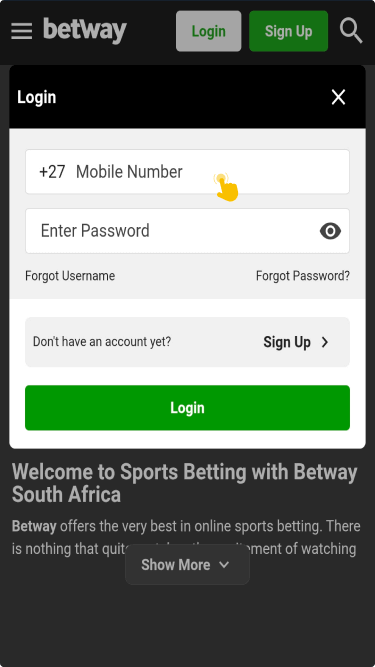
If you prefer to skip downloading, you can still log in easily using your mobile browser. Popular options include Safari, Chrome, and Opera Mini.

