

Logging in is quick, and the best part is that there are a couple of ways to do it. This guide will take you through the easy steps on how to get on board within a few minutes.
| Method | Description | Link |
|---|---|---|
| Mobile app | Quick login through mobile-optimised and lightweight apps | Download 1xBet App |
| Website | Universal login for all mobile and desktop devices | 1xBet Website Login |
| Desktop app | Great option for uninterrupted access and enhanced security on a desktop | 1xBet Desktop App Login |
| Mobile Site | Perfect for users who don’t want to download anything to their phones and tablets | 1xBet Mobile Site Sign-in |
1xBet South Africa Login Requirements
1Xbet T&Cs ensure safety, fairness, and prevent misuse of the platform. Here are the main ones that you need to consider when signing in.
- Legal South African residency. This bookie limits its services to legal residents of South Africa. If you log in outside the borders of SA, your account may be frozen.
- Updated browser/device. Frictionless logging can only be guaranteed if your device or browser is updated to the latest version.
- Verifiable mobile number or email. You must indicate your mobile number accurately. This will ensure smooth login and further verification or KYC.
Generally, this is just a fraction of the 1xBet terms. Read the full T&Cs carefully, as by signing up, you agree to be bound by them.
How to Sign In to the 1xBet Website
1xBet South Africa login is a no-brainer even for beginners. It will take you 1-3 minutes, depending on the strength of your internet connection. Besides, you can register from your tablet, mobile phone, laptop or desktop.
FYI, the sign-in process through the mobile and desktop browsers is nearly identical:
- Step 1. Open the 1xBet official website. Use our link, which works on any device for secure login to the platform.
- Step 2. Hit the Log In button. The blue Log In button is strategically located at the top-right of each webpage.
- Step 3. Fill in the login details. A login form will pop up. Fill in the details accurately, including your user ID, a valid SA number, and your password.
- Step 4. Finish the process. Click the green Log In button on the login form. After that you'll be immediately allowed to your account.
Desktop App Login
Remarkably, 1xBet South Africa has a downloadable app for its Windows users. The Windows app provides uninterrupted access to the platform and a faster, more secure connection to the server.
- Step 1: Download the Windows app. Find the links to the PC app in the 1xBet site footer.
- Step 2: Install the application. Install the program by pressing on the downloaded file.
- Step 3: Open the app. Installation might take a few minutes. Click "Finish" to run the 1xBet PC app.
- Step 4: Log in to your account. Enter your username and password and enjoy betting on your favourite sports.
Mobile App Login
1xBet offers its South African users a dedicated application for iOS and Android devices. The apps are lightweight, mobile-optimised and feature-packed.
| Parameter | Technical requirements |
|---|---|
| Compatible operating systems | Android 5.0 or higherand iOS 12.0 or later |
| System memory | 1GB RAM recommended |
| Free device storage | 80 MB for an Android app and 150 MB for iOS app |
| Network connectivity | Strong Internet connection needed |
Follow these steps to register via the 1xBet South Africa Android/iOS app:
Use the links on this page to access the mobile site on your mobile device.
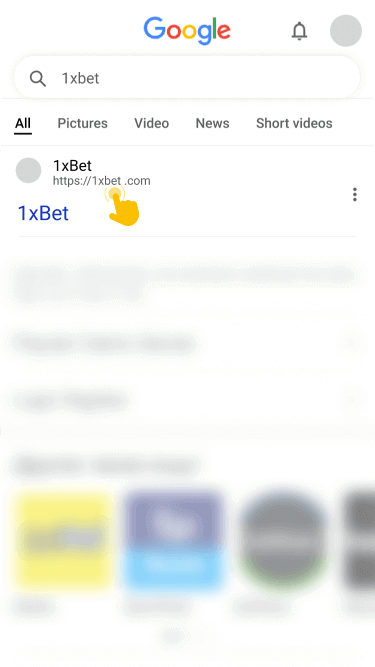
Find the Android or iOS icon in the footer and click to download, depending on your device.
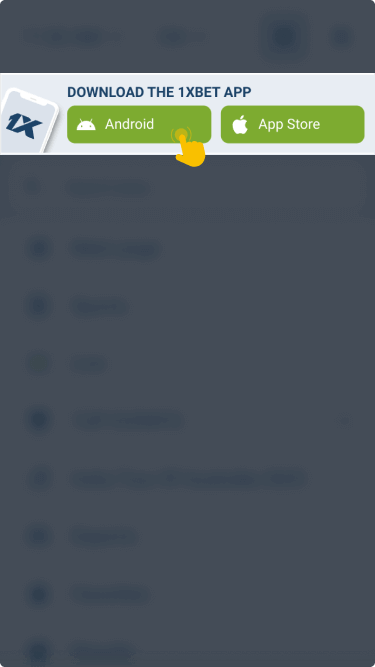
The iOS application will install automatically, while Android users have to do it manually.
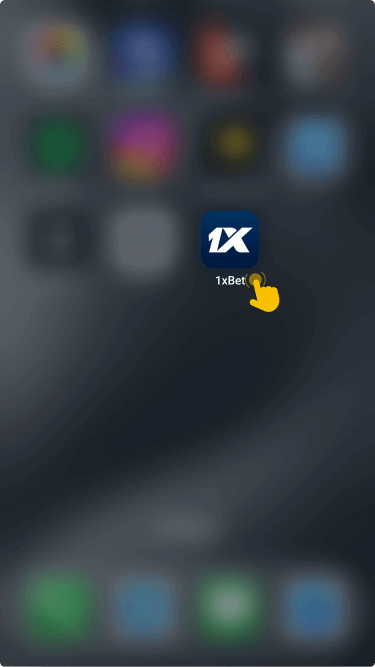
Open the app, click the Log In button and enter your credentials.
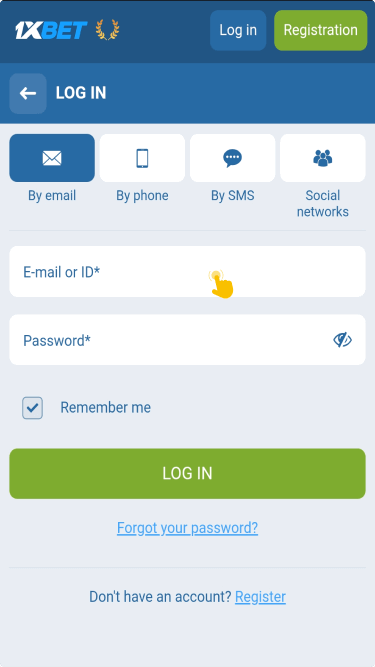
You must allow installations from unknown sources because the Android app isn’t available on the Play Store. Besides, you can still enjoy 1xbet services via mobile browser in case you don't fancy the app.

